
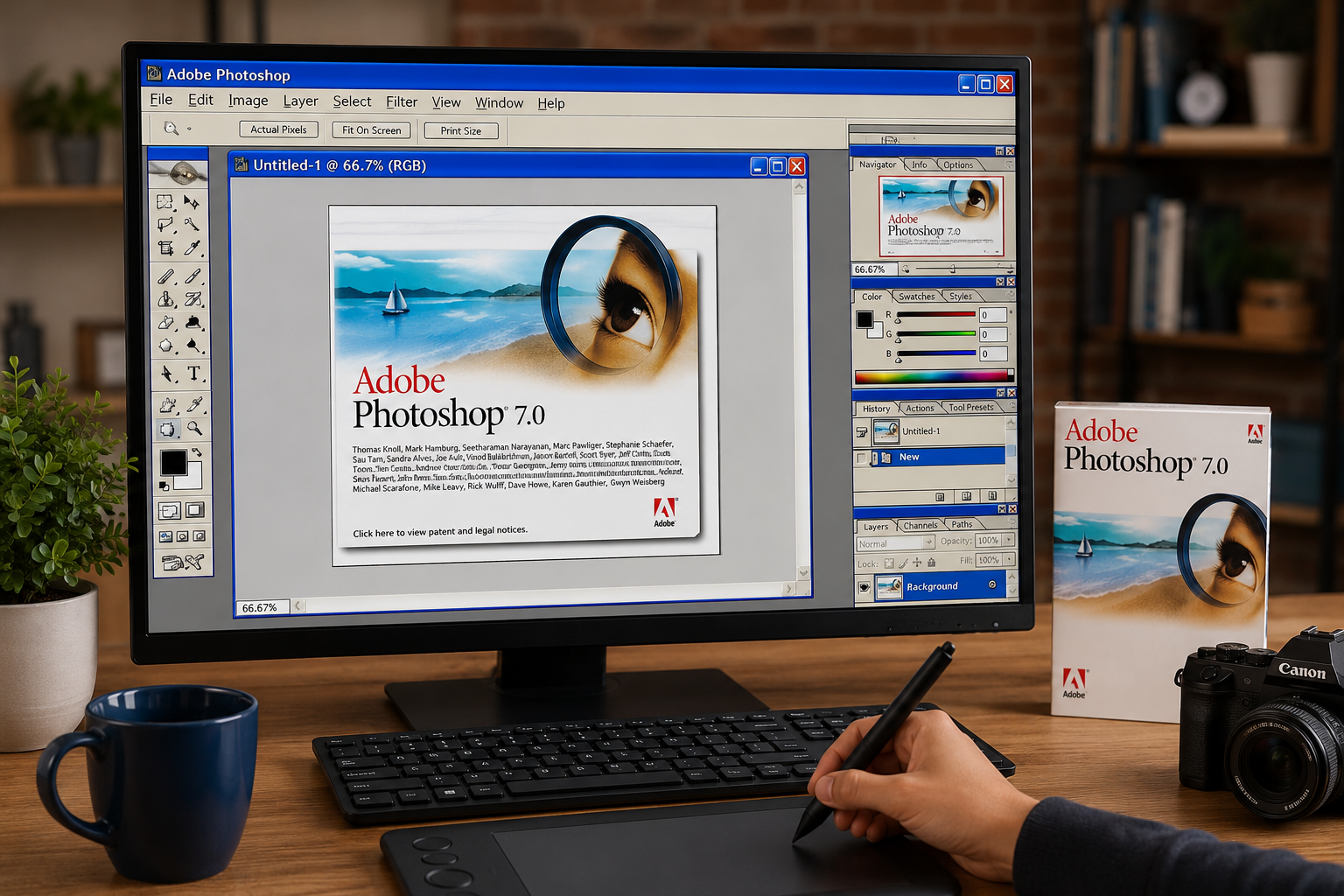
Introduction
Many users still search for Photoshop 7.0 because modern photo editing software often requires expensive subscriptions and powerful hardware. Adobe Photoshop 7.0 became one of the most popular image editing applications due to its lightweight design, user-friendly interface, and powerful editing tools. Although it was released more than two decades ago, many designers, photographers, and students continue looking for information about Adobe Photoshop 7.0, its features, compatibility, installation process, and alternatives. This guide explains everything you need to know about Photoshop 7.0, including its history, features, benefits, system requirements, installation process, and whether it is still worth using today.
What Is Adobe Photoshop 7.0?
Adobe Photoshop 7.0 is a professional image editing software released by Adobe in 2002. It was one of the most significant upgrades in Photoshop’s early history and introduced several groundbreaking tools that transformed digital image editing.
The software quickly became popular among graphic designers, photographers, web designers, and digital artists because it offered powerful editing capabilities while remaining relatively easy to use.
Photoshop 7.0 was released for both Windows and Macintosh systems and introduced the famous Healing Brush Tool, which remains one of Photoshop’s most useful features today.
Adobe Photoshop 7.0 Release Date and History
Adobe officially launched Photoshop 7.0 in early 2002. The software represented a major milestone in Adobe’s image-editing journey and became one of the most successful Photoshop releases before the Creative Suite era began.
Important milestones include:
- Released in 2002
- Introduced Healing Brush Tool
- Added enhanced file browsing capabilities
- Improved text editing features
- Added spell checking
- Improved painting engine
- Native support for Mac OS X
Photoshop 7.0 was followed by Photoshop 7.0.1, which introduced Camera RAW support.
Top Features of Photoshop 7.0
1. Healing Brush Tool
The Healing Brush Tool was one of the biggest innovations in Photoshop 7.0. It allowed users to remove blemishes, scratches, wrinkles, and unwanted marks while preserving texture and lighting.
Benefits include:
- Skin retouching
- Dust removal
- Scratch repair
- Photo restoration
2. Improved File Browser
Photoshop 7.0 introduced a built-in File Browser that helped users organize and preview images more efficiently.
Features include:
- Thumbnail previews
- Image management
- Metadata viewing
- Quick file navigation
3. Enhanced Text Engine
The software introduced fully editable vector text, allowing users to scale text without losing quality.
Advantages include:
- Better typography
- High-quality text scaling
- Improved design flexibility
4. Auto Color Correction
Auto Color automatically adjusted image colors and improved overall photo quality with a single click.
This feature became especially useful for beginners who lacked advanced editing knowledge.
5. New Painting Engine
Artists benefited from smoother brush performance and improved painting tools.
Features included:
- Better brush response
- Enhanced painting controls
- More natural digital artwork creation
6. Spell Check Feature
Photoshop 7.0 included a spell-checking tool that helped designers identify typing mistakes directly within projects.
Benefits of Using Adobe Photoshop 7.0
Despite its age, Photoshop 7.0 offers several advantages.
Lightweight Software
Unlike modern Photoshop versions, Photoshop 7.0 requires minimal system resources.
Beginner-Friendly Interface
The simple layout helps beginners learn image editing quickly.
Fast Performance
The software performs well on older computers and low-end hardware.
Professional Editing Tools
Users can still perform:
- Photo retouching
- Graphic design
- Logo creation
- Banner design
- Basic web graphics
System Requirements for Photoshop 7.0
Minimum requirements include:
Windows
- Windows 98
- Windows ME
- Windows 2000
- Windows XP
Macintosh
- Mac OS 9
- Mac OS X
Hardware
- 128 MB RAM
- Pentium Processor
- 200 MB Storage
Modern systems may run Photoshop 7.0 through compatibility settings, but Adobe no longer officially supports it.
Can Photoshop 7.0 Run on Windows 10?
Many users search for Adobe Photoshop 7.0 for Windows 10 and Windows 11 compatibility.
The answer is mixed.
Some users report successfully running Photoshop 7.0 on Windows 10 using compatibility settings. However, Adobe does not officially support Photoshop 7.0 on modern operating systems. Certain updates and hardware configurations may cause crashes or installation issues.
Potential issues include:
- Installation errors
- Driver conflicts
- Startup crashes
- Large drive compatibility problems
How to Install Photoshop 7.0
If you already own a legitimate licensed copy:
Step 1
Insert the installation media or access your original installer.
Step 2
Run Setup.exe as Administrator.
Step 3
Follow the installation wizard.
Step 4
Enter your valid license information.
Step 5
Complete installation and restart your computer.
Step 6
Use Compatibility Mode if necessary.
Is Adobe Photoshop 7.0 Still Available?
Adobe no longer sells or distributes Photoshop 7.0 through official channels.
As a legacy product:
- No official updates
- No security patches
- No technical support
- No official downloads from Adobe
Users should avoid unofficial websites offering cracked versions, serial keys, or modified installers because these may contain malware or security risks.
Photoshop 7.0 Shortcut Keys
Popular shortcuts include:
| Function | Shortcut |
|---|---|
| New File | Ctrl + N |
| Open File | Ctrl + O |
| Save | Ctrl + S |
| Undo | Ctrl + Z |
| Copy | Ctrl + C |
| Paste | Ctrl + V |
| Free Transform | Ctrl + T |
| Zoom In | Ctrl + + |
| Zoom Out | Ctrl + – |
Learning shortcut keys can significantly improve editing speed and productivity.
Photoshop 7.0 vs Modern Photoshop
| Feature | Photoshop 7.0 | Modern Photoshop |
|---|---|---|
| AI Features | No | Yes |
| Cloud Storage | No | Yes |
| Camera RAW | Limited | Advanced |
| Performance | Lightweight | Resource Intensive |
| Support | Ended | Active |
| Updates | No | Regular |
Modern Photoshop versions provide significantly more features, but Photoshop 7.0 remains attractive for users seeking a lightweight editing solution.
Best Alternatives to Photoshop 7.0
If Photoshop 7.0 no longer meets your needs, consider:
Adobe Photoshop CC
The latest version with AI-powered tools.
GIMP
A free and open-source image editor.
Affinity Photo
A professional one-time-purchase alternative.
Photopea
A browser-based photo editor that resembles Photoshop.
Paint.NET
A lightweight image editing program for Windows.
Is Photoshop 7.0 Worth Using in 2026?
Photoshop 7.0 remains useful for basic image editing, simple graphic design projects, and users with older computers. However, modern creative professionals may find it limited compared to current editing software.
If your work requires:
- AI tools
- Advanced RAW editing
- Cloud collaboration
- Modern file support
then upgrading to a newer solution is recommended.
For beginners learning image editing fundamentals, Photoshop 7.0 can still provide valuable experience.
Frequently Asked Questions
Is Photoshop 7.0 free?
No. Photoshop 7.0 was originally a paid commercial product and was never officially released as free software.
Can I download Photoshop 7.0 from Adobe?
No. Adobe no longer offers official downloads for Photoshop 7.0.
Does Photoshop 7.0 work on Windows 11?
It is not officially supported. Some users may get it running, but compatibility issues are common.
What is the biggest feature introduced in Photoshop 7.0?
The Healing Brush Tool is widely considered the most important feature introduced in Photoshop 7.0.
Is Photoshop 7.0 good for beginners?
Yes. Its simple interface and lightweight performance make it beginner-friendly.
Conclusion
Adobe Photoshop 7.0 remains one of the most influential image editing applications ever released. Its introduction of the Healing Brush Tool, improved file management, enhanced text controls, and streamlined workflow helped shape modern photo editing. While the software is now considered a legacy product and lacks support for modern technologies, it still appeals to users seeking a lightweight and straightforward editing solution. For professional workflows, newer alternatives offer greater security, compatibility, and advanced features, but Photoshop 7.0 continues to hold an important place in digital design history.